CompLeadly informs us that your login details are incorrect.
- Please restart CompLeadly first
-
Please klick "Solve Login Problems".
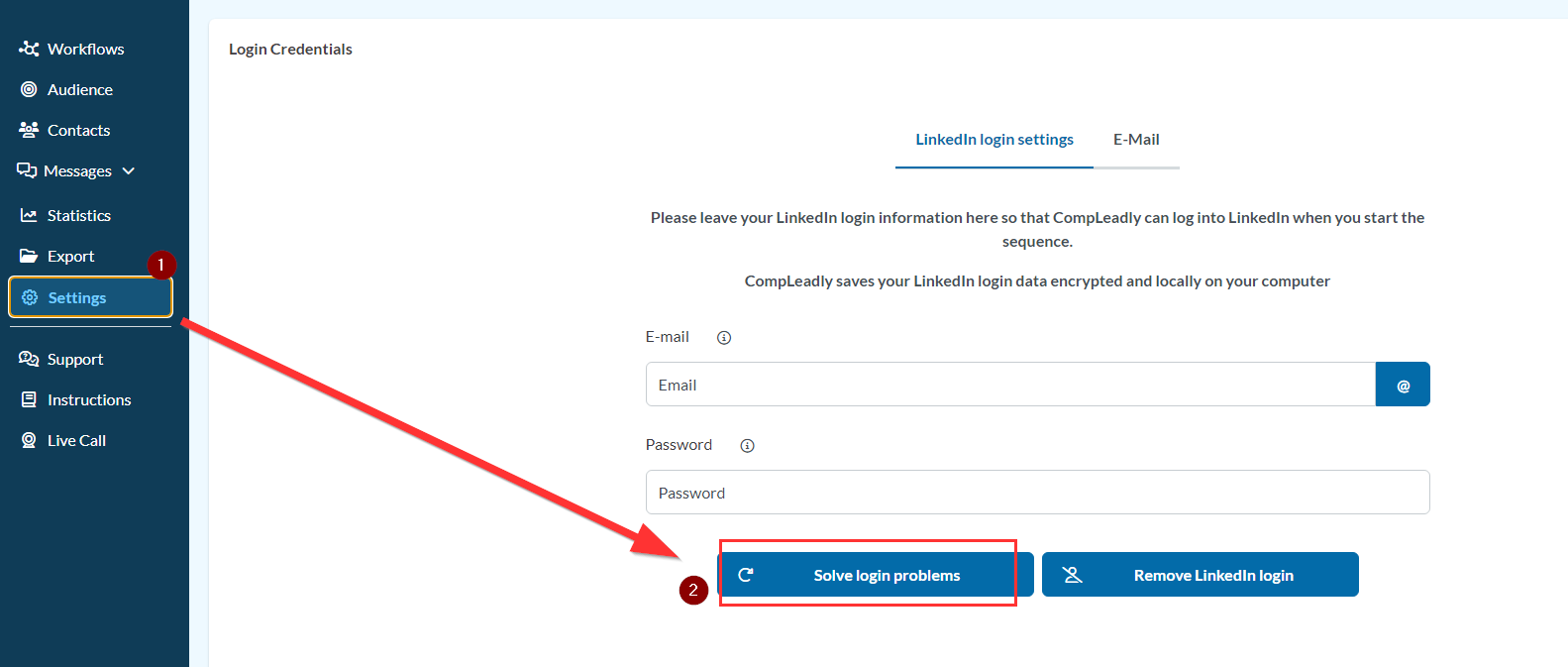
- The browser will open and should automatically navigate to LinkedIn after 10 seconds.
- Click on Sign-In at the top right corner.
- Enter your LinkedIn login details. If this does not work and CompLeadly still does not log in, please restart your computer.