The following error message appears…
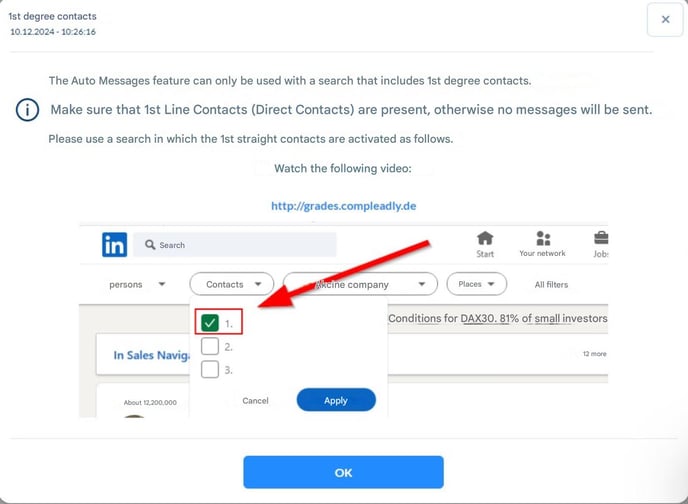
…even though you selected “direct contacts” in Sales Navigator?
The cause of this error message is usually that you saved the search in LinkedIn Sales Navigator and then used this saved link in CompLeadly. A saved search link typically no longer contains the filter parameters that CompLeadly needs to recognize your target audience.
Solution: How to Avoid the Error Message
⤴ Follow this guide to replace the target audience link in CompLeadly.