If you cancel the Sales Navigator, the searches will be lost. Additionally, the search cannot be opened by other people.
(What else is lost and how you secure it)
To avoid this, proceed as follows:
- Open your saved lead search in the Sales Navigator.

- Remove any filter on the left side (one is sufficent)
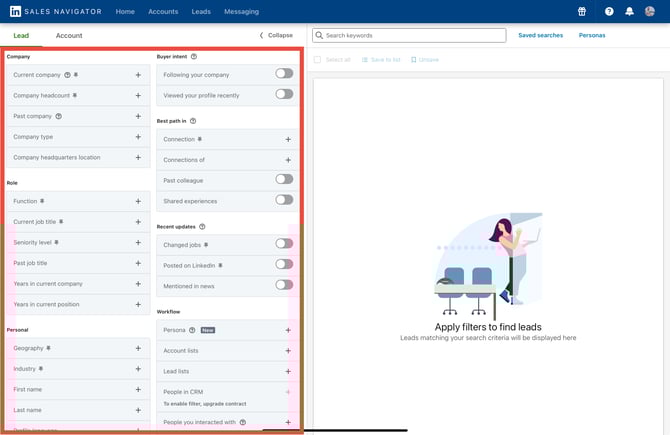
- Saving in the Sales Navigator must be disabled (if the option is available).
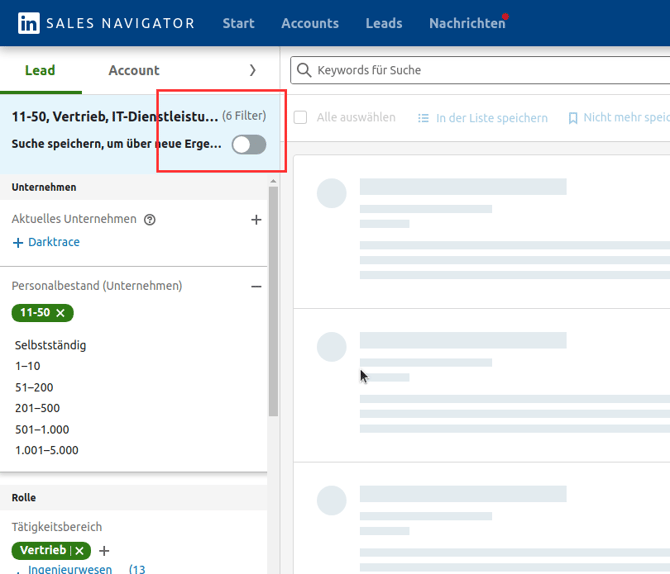
- Add the removed filter again. This procedure changes the link of the search and makes it easier to understand.
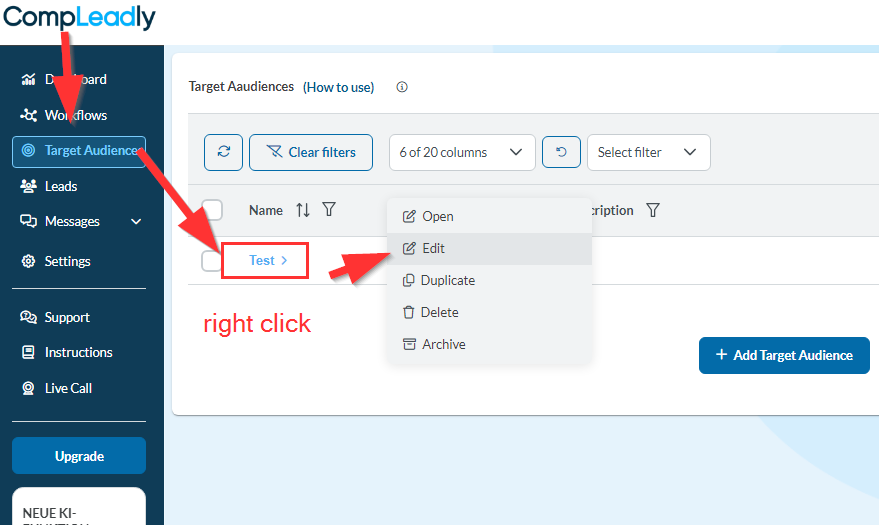
- Copy the link into CompLeadly as shown in the screenshot below.