It’s best to register a new CompLeadly account for the other LinkedIn account.
You can do this here: https://compleadly.web.app/#/auth/signup
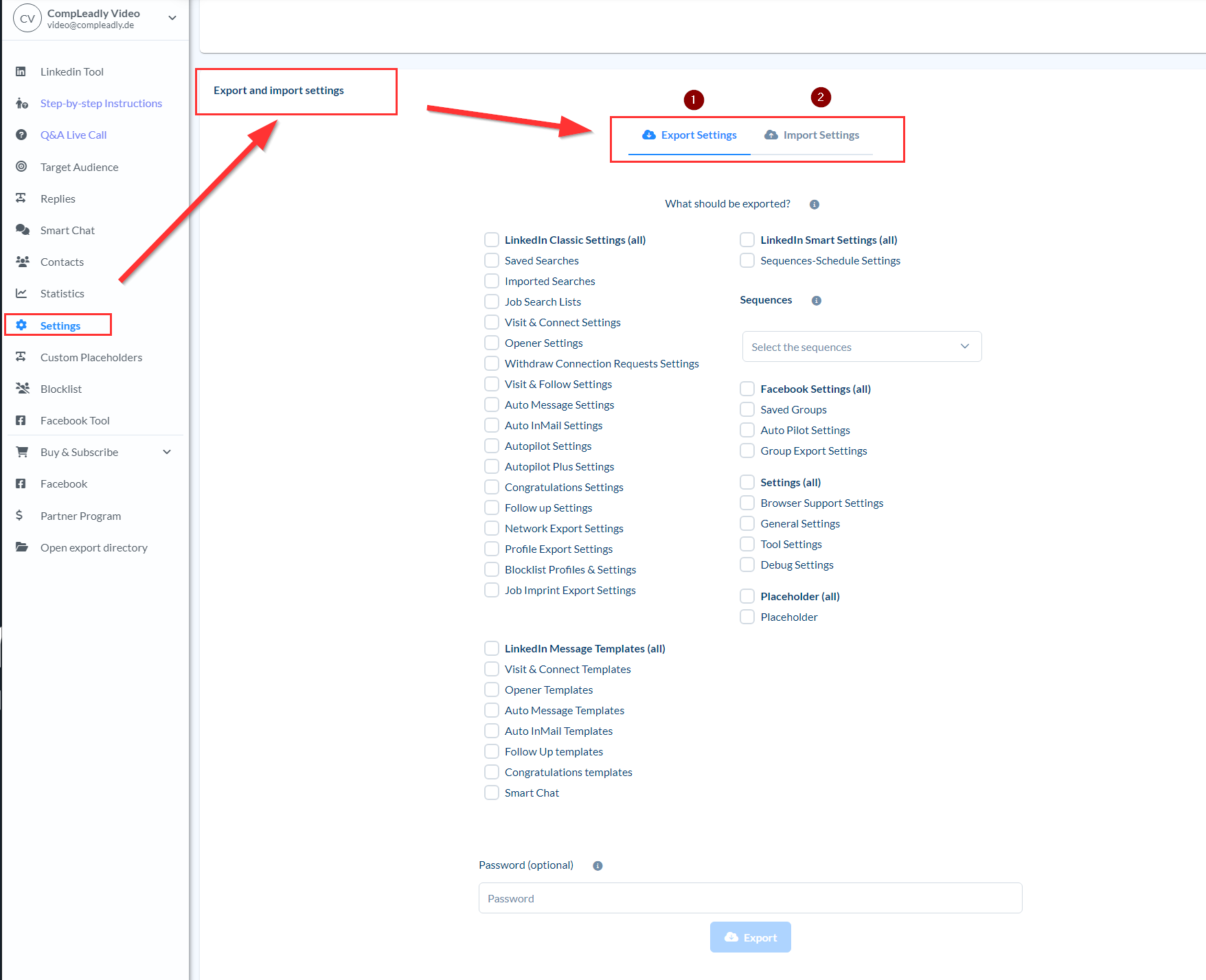
You can easily export the settings from the old CompLeadly account and import them into the new CompLeadly account. You’ll find this option on the left side in the settings in CompLeadly.