-
Basic principle of message functions
Each message function is an independent function with its own ID that sends a message exactly once per contact. -
What “one message per contact” means
A single message function can send exactly once per contact.
As soon as a contact has received this message, it will not be sent to that contact again by this exact function.
This also applies if you later change the message text. -
Sending multiple messages to the same contact
Sending multiple messages to the same contact is no problem. The prerequisite is that each message runs via its own message function.
Example:
• Message function 1 sends once
• Message function 2 also sends once
• Message function 3 also sends once
All messages can be sent to the same contact, as each function operates independently.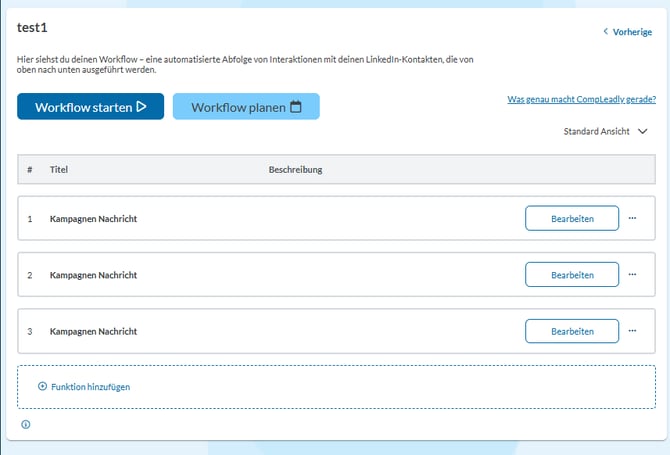
Example for Campaign Message
-
Important notes on editing messages
• Changing the text within an existing message function does not trigger a new send.
• If a contact should receive a new message, you need a new message function.