-
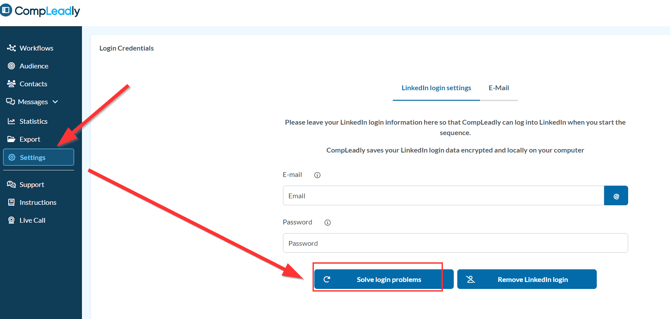
Please click on solve Login problems
-
The browser will open and should automatically navigate to LinkedIn after about 10 seconds.
-
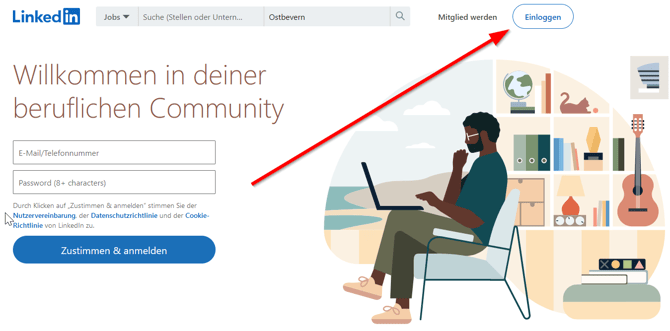
Click on Sign-In in the top right corner.
-
Enter your LinkedIn login details.
If you're still required to enter a code every day:
- Restart your computer (not shut down – restart) and delete all active login sessions on LinkedIn.
- You can do that directly on LinkedIn at
➔ www.linkedin.com/mypreferences/d/user-sessions
or through the LinkedIn app.