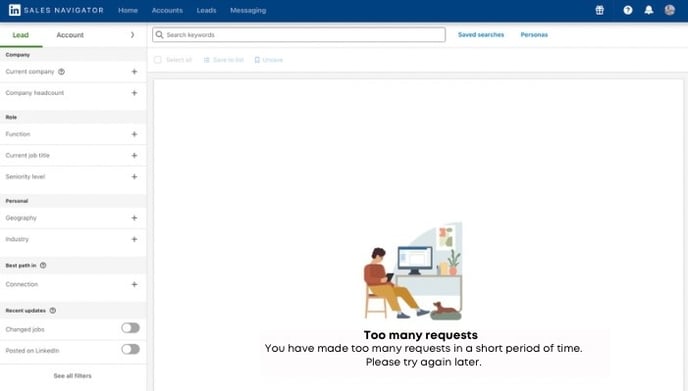
Please do not be logged into LinkedIn while CompLeadly is running.
- Restart your computer.
- Clear your LinkedIn login sessions (LINK).
- Then, restart the function.
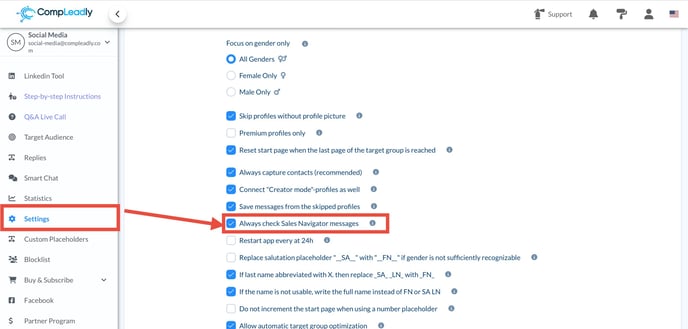
If the problem persists, disable the following checkbox in the CompLeadly settings:
"Always check Sales Navigator messages."