When you use one of the invite functions in CompLeadly, the tool automatically starts scrolling through your contacts and continuously invites new people. This process is often referred to as an "infinite search" because you can keep inviting new contacts as long as they are available on your list.
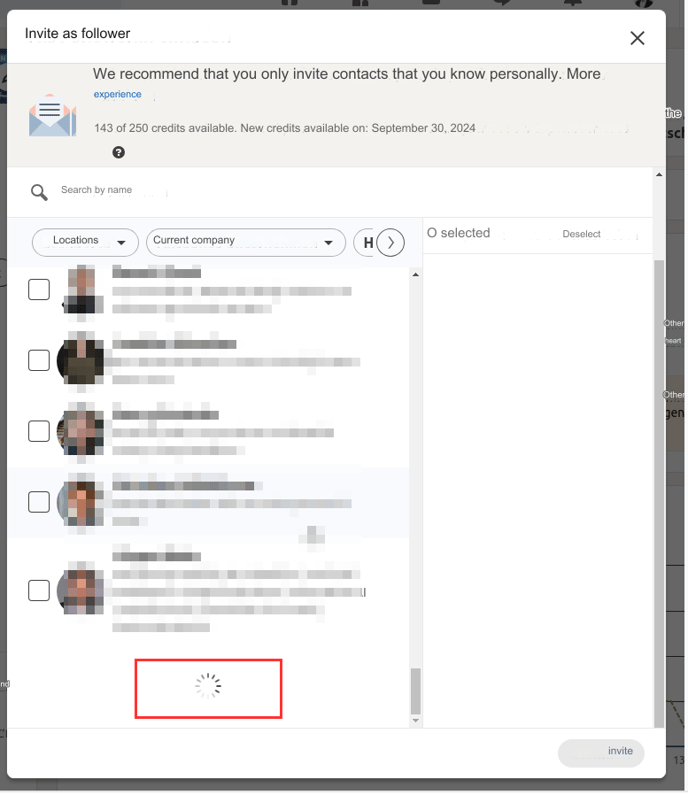
It's important to note that there are technical limitations on how many contacts can be loaded at the same time. Factors such as your computer's performance or your internet connection speed affect the number of contacts CompLeadly can load in one session. With very large contact lists, especially with several thousand contacts, LinkedIn may eventually limit the number of contacts that can be loaded.
Therefore: Using Location Filters for Optimization
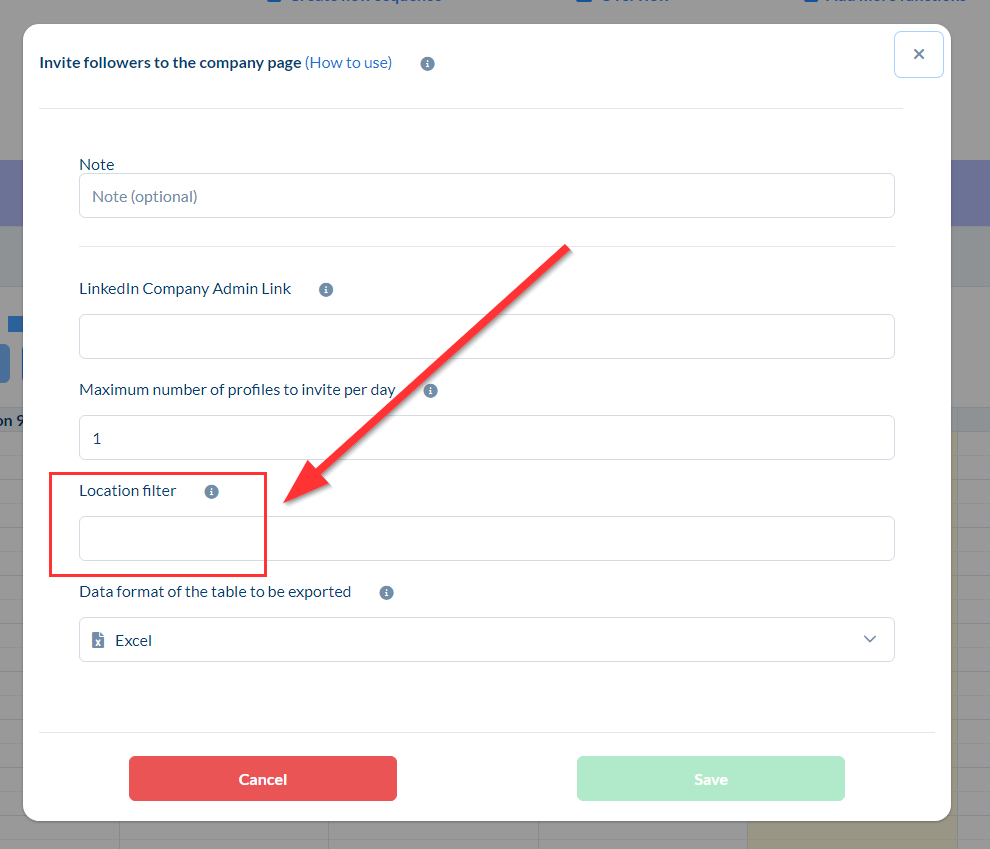
To continue inviting contacts efficiently, you can use location filters in CompLeadly. These filters allow you to narrow down your selection and display only people from specific regions. You can filter by cities, states, provinces, or even countries.
Examples of location filters you can use include:
- Cities like Cologne or Hamburg
- States like North Rhine-Westphalia
- Countries like Switzerland or Austria
By setting the filter, you will only see new contacts living in that region, allowing you to invite them specifically. The location filter helps speed up the contact selection process and optimizes the invitation process.
Using the Location Filter
To use the location filter in CompLeadly, simply enter the name of the city, state, or country you want to filter. Make sure to enter the correct name, such as “Cologne” or “Köln,” depending on your preferred language input. This will display only new contacts from that region that you can then invite directly.
If no more contacts are being loaded, the filter helps show new contacts that you can add to your network.
You can also insert multiple functions of the same invite type in your sequence.
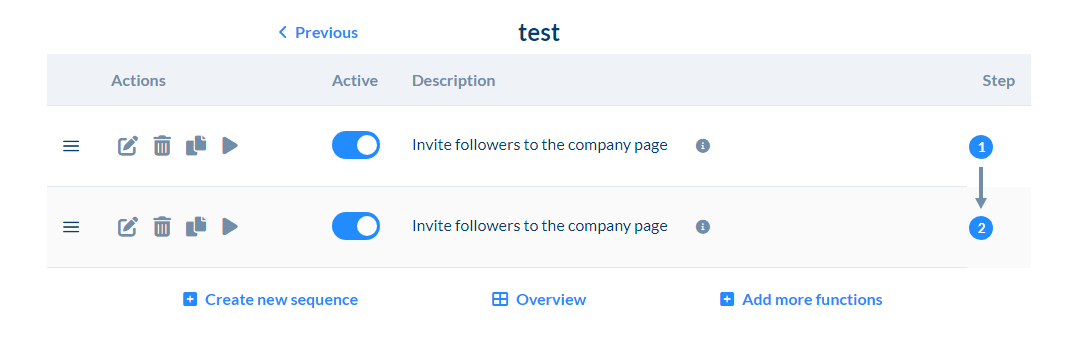
Use the same link to your page/group/event and just change the location.