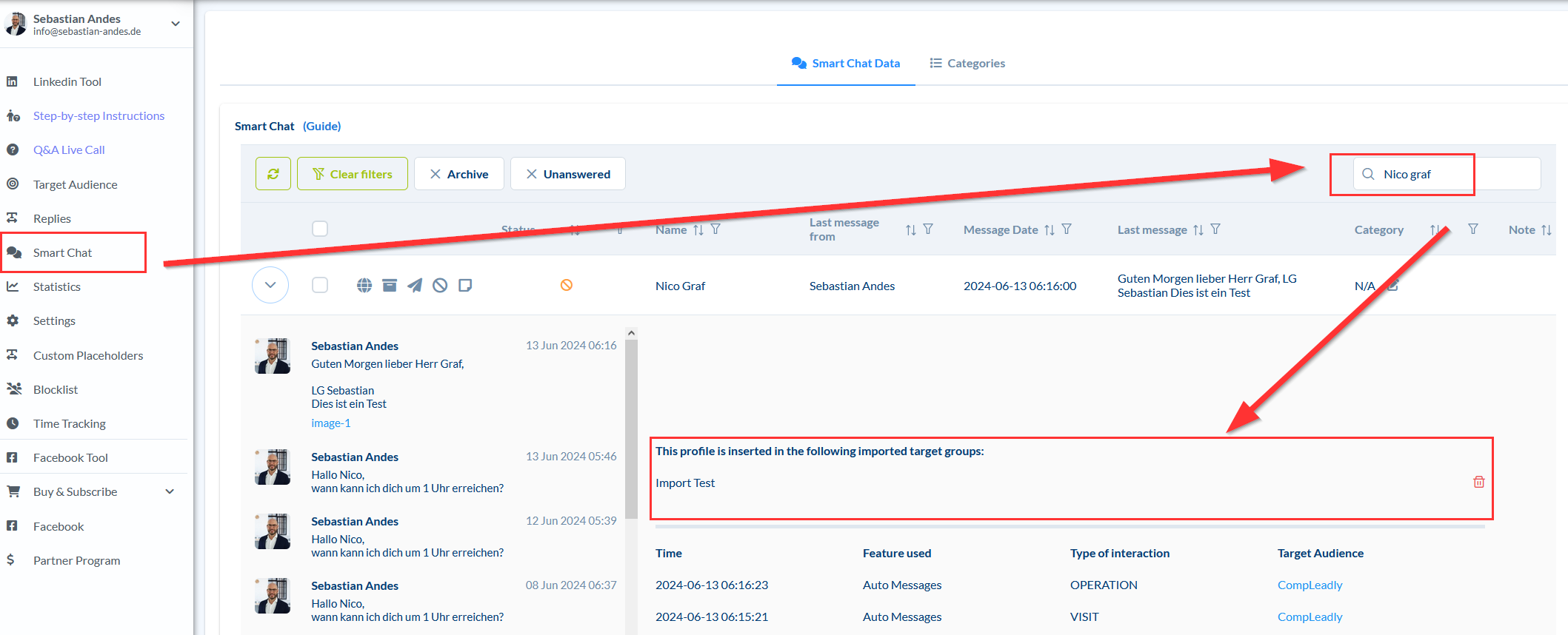
Remove a contact from imported target groups in CompLeadly. This applies to the Contacts, Replies, and Smart Chat functions. Click on Contacts, Replies, or Smart Chat Search for the person Open the dropdown menu with the arrow on the far left in the table view Now you see the imported target groups in which the contact is located