Table of Contents
1. Speed of Message Sending
2. Impact of Message Length
3. Direct Writing in Sales Navigator
4. Using a LinkedIn Search for Acceleration
5. Adjusting Pause Times
1. Speed of Message Sending
The duration of message sending in CompLeadly depends on several factors. In general, each message is written at a human-like pace to simulate natural behavior. Depending on the number of messages, it may take some time to complete an entire campaign.
2. Impact of Message Length
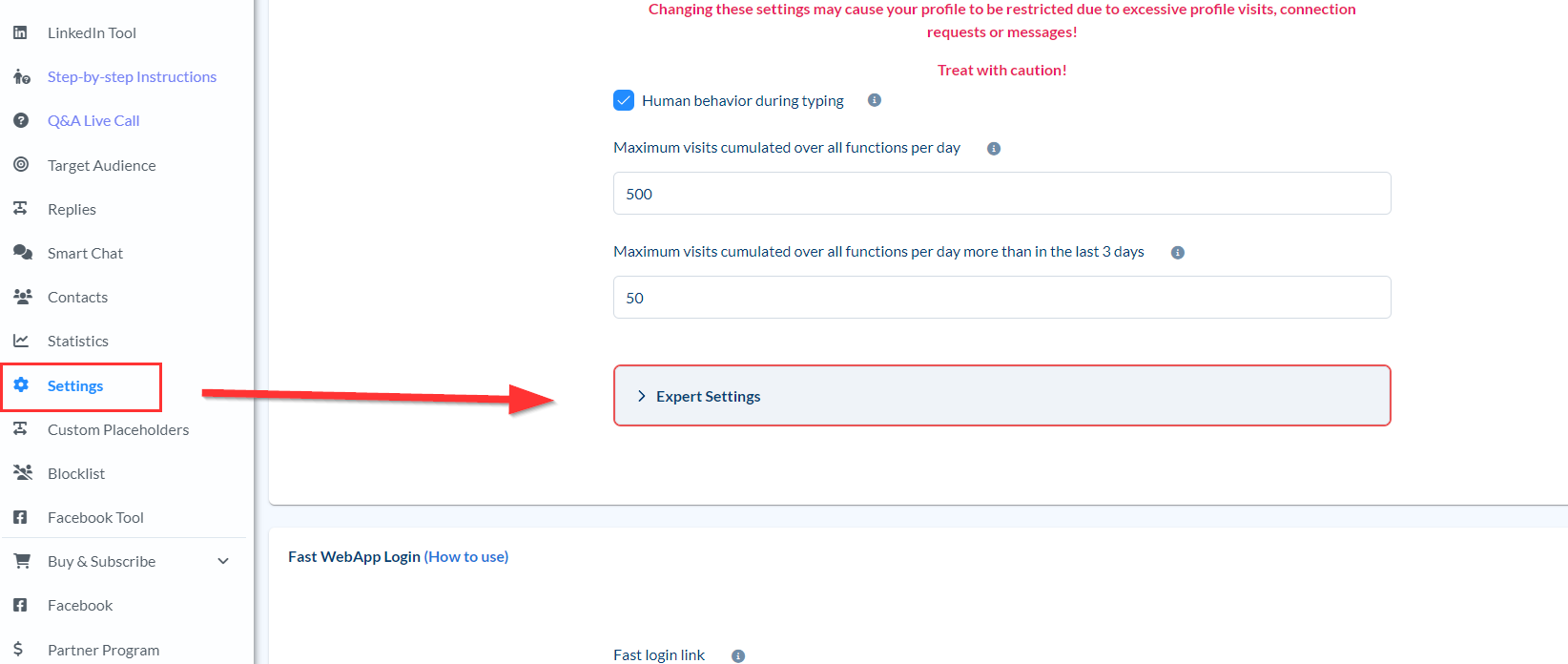
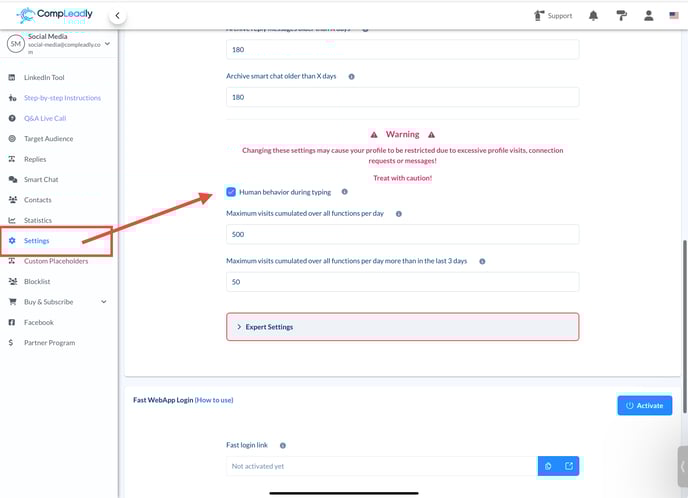
A key factor for speed is the length of the message. Longer texts take more time for automatic input. One way to speed up the process is to disable simulated human typing. This allows messages to be sent faster, but in some cases, it may appear unnatural.
3. Direct Writing in Sales Navigator
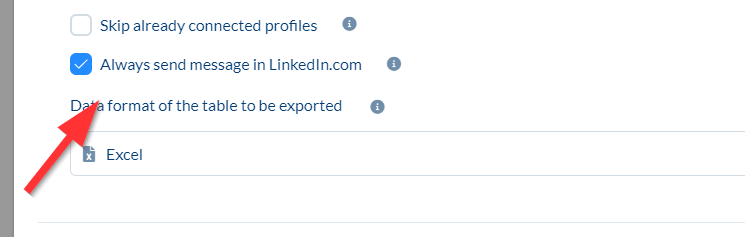
Alternatively, CompLeadly can be configured to compose messages directly in Sales Navigator. This saves the need for a full profile visit, significantly accelerating the process.
To enable this, disable the following option:
However, there are some limitations:
- Users with a Sales Navigator account will receive the message only in the Sales Navigator chat and not in their LinkedIn inbox.
- Since many users check Sales Navigator less frequently than their LinkedIn inbox, the message might be overlooked.
4. Using a LinkedIn Search for Acceleration
Another option is to use a LinkedIn search to send messages directly via LinkedIn without going through Sales Navigator. However, this restricts the available filters, meaning only certain users can be reached, and you are limited to a total of 1,000 search results, as LinkedIn displays 10 users per page across 100 pages.
5. Adjusting Pause Times
The final optimization option is reducing pause times in CompLeadly. However, caution is required:
- Very short or no pauses at all could lead to unnatural activity.
- LinkedIn might flag this as suspicious behavior.