"Created at" – Initial recording of a contact
The "Created at" field indicates when a contact was first recognized and recorded in the contacts table by CompLeadly. This is the moment when the contact was initially entered into the system.
"Updated at" – Last update of the contact
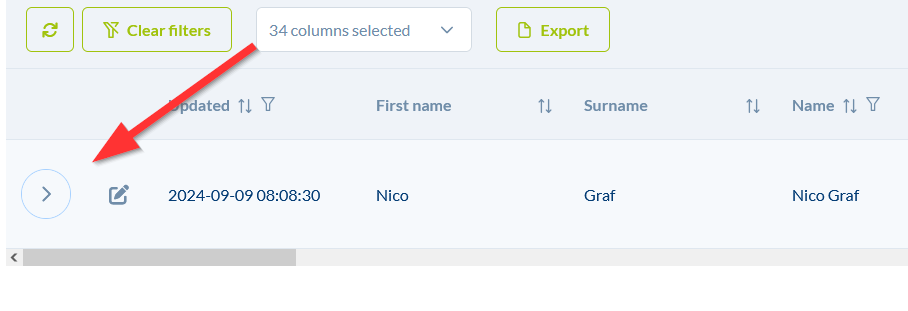
The "Updated at" field shows when the contact was last processed or seen by CompLeadly. Every time CompLeadly interacts with the contact, whether through a message, a visit, or any other action, this date is updated. It indicates when the contact last had an activity recorded in the system.
Activity history
When you click on the arrow in the contacts table, the function history and the corresponding dates are displayed, among other details.