In this case, the contact or target group has already received a message.
If you want to send a message again, you need to change the start date.
- Activate the expert mode
- Set the start date to now
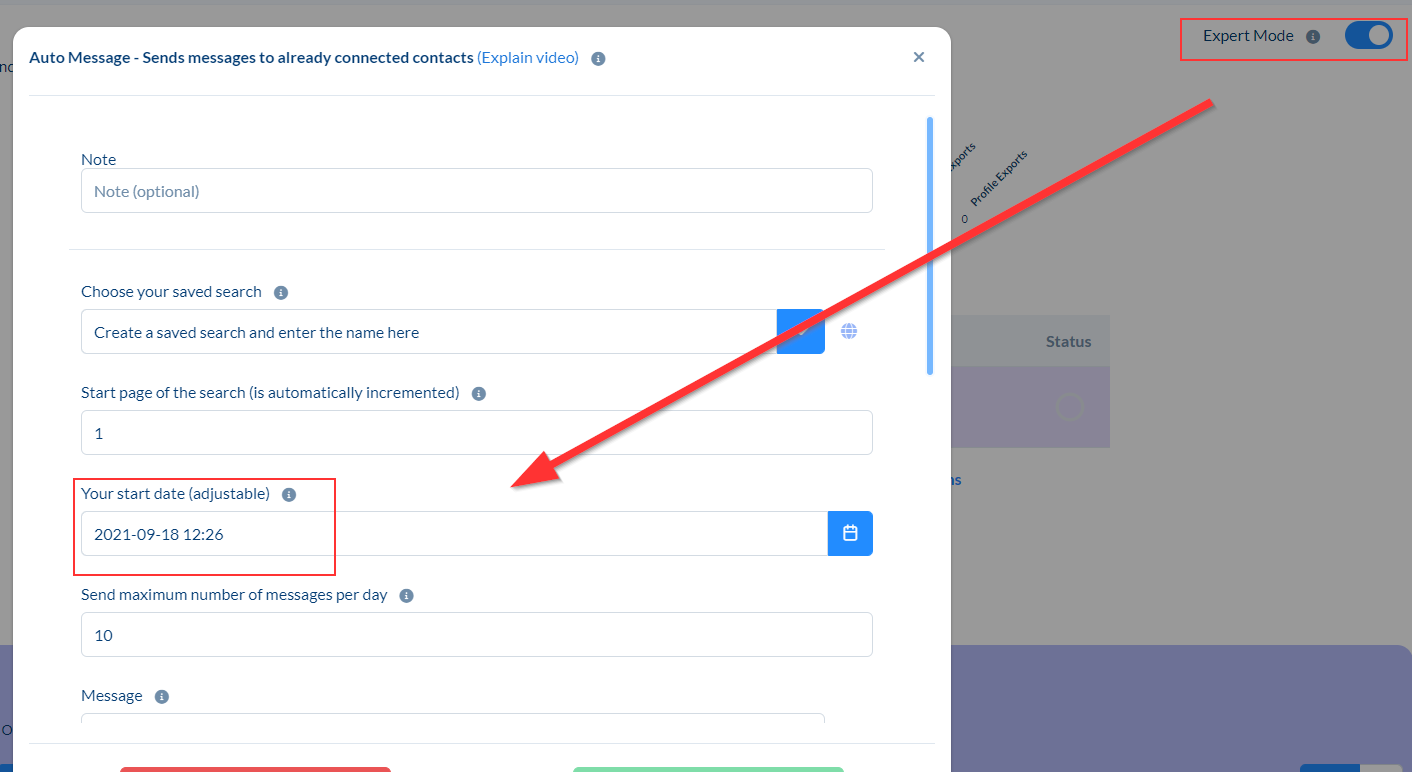
From the start date, each contact from your target group will receive only one message and will be automatically skipped afterwards. This is why the message "Last message before reset" appears.
If you set the start date to now, then from now on the contact will get only one further message and will be skipped automatically until you set the start date to "now" again.
If you want us to explain more about this, feel free to join the free daily live call.
You can find more information here: live-call.compleadly.com