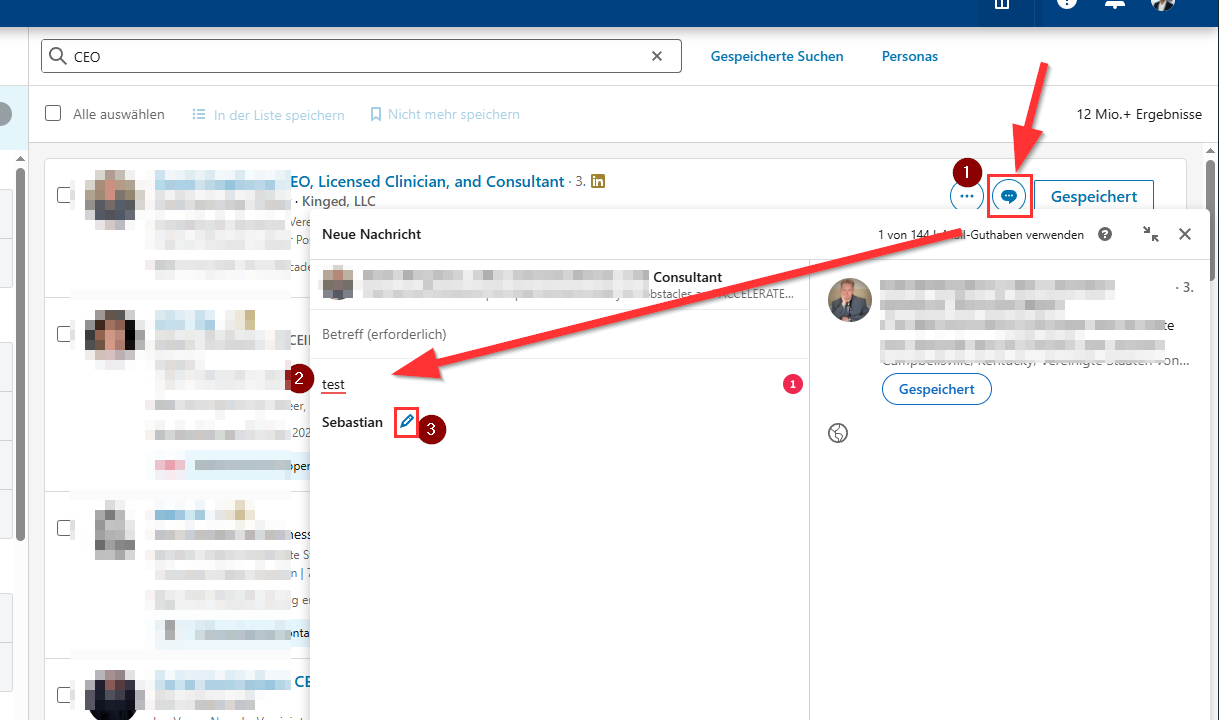
So, when you're writing InMails in Sales Navigator, you can omit the signature in the text in CompLeadly, as it will be added by Sales Navigator anyway.
Here's how to change the signature:
- Go to Sales Navigator and open the message field for a second or third-degree contact.
- Write a message.
- The signature will appear, and you can modify it using the pencil icon.