- Please press on Solve Login Problems.
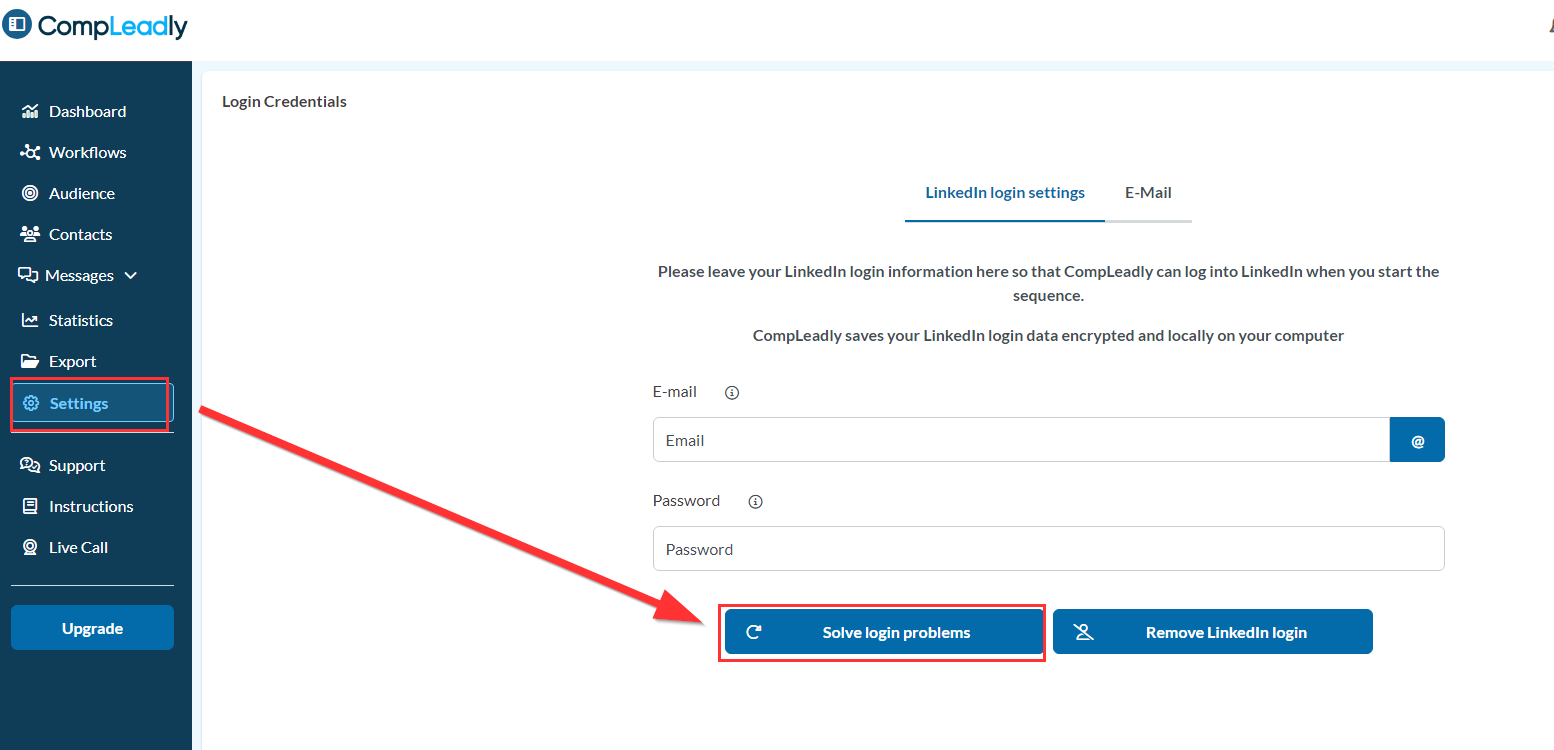
- The browser will open and should automatically navigate to LinkedIn after 10 seconds.
If the LinkedIn feed does not open, press on Login/Sign-In at the top right corner of LinkedIn. - Navigate to the target group you want to open.
- Now the firewall login should appear - enter your login data.
- If this has worked, you can close the browser.
- You can now continue working normally with CompLeadly.