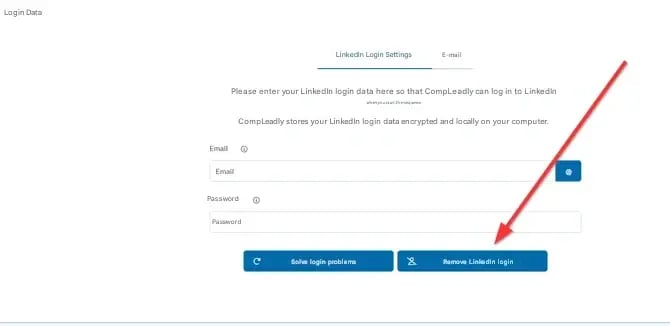
You can only re-enter the password after clicking “Remove LinkedIn login” first. This will delete the stored credentials and unlock the input fields again.
After that, you can enter new login data.
A notice will appear, which you can confirm if you are using the same LinkedIn account.