Starting Sequences in the Sequence View
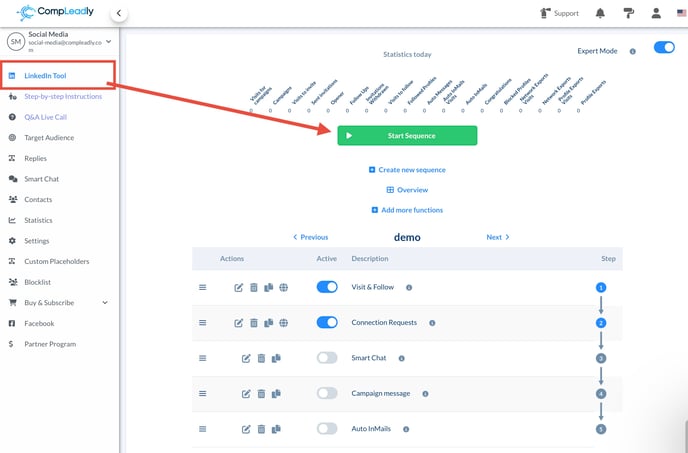
To manually start a sequence, first open the Sequence View. There, you will find the Start Button directly in the sequence overview. Clicking this button will start the sequence immediately.
Starting Sequences in the Calendar View
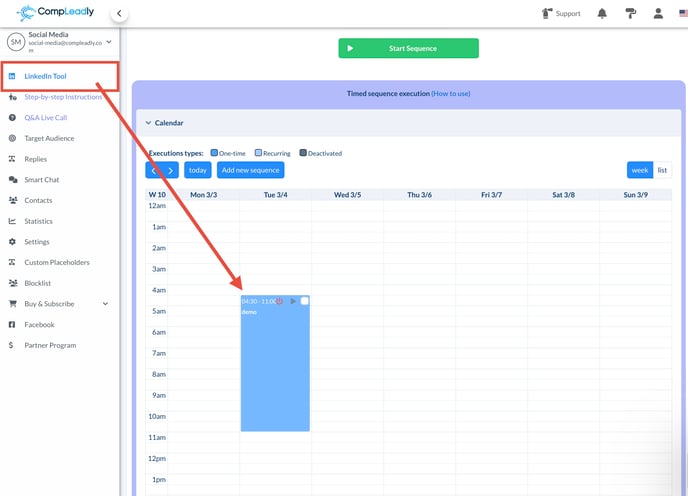
Alternatively, you can also start sequences in the Calendar View. Locate the corresponding sequence and click the Play Button. This button performs the same function as the Start Button in the Sequence View.
Displaying the Play Button
If the Play Button is not visible in the Calendar View, this may be due to the current settings. In this case, you need to activate Expert Mode first.
⤴ Here you can find the Expert Mode
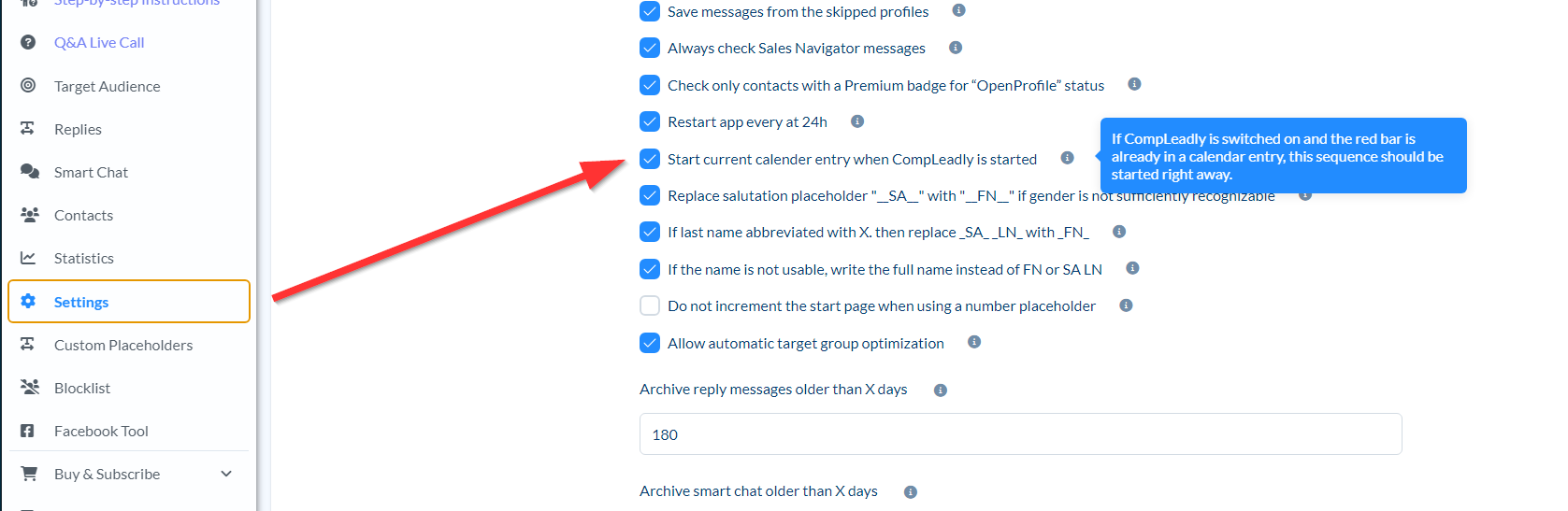
Let CompLeadly start the current calendar entry when starting up
Activate: