Activating Expert Mode
The first step to duplicate a feature is to activate the Expert Mode. Once this mode is activated, he "Duplicate" button will appear, which is needed for the next step.
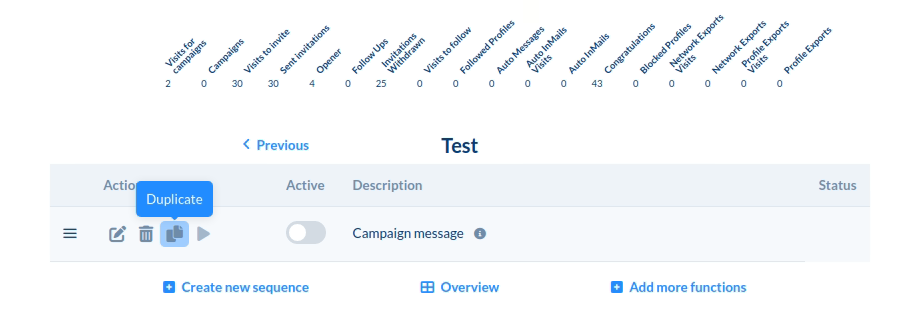
Access to the Duplicate Button
After activating the Expert Mode, you will find the "Duplicate" button. Click on this button to proceed with duplicating the feature.
Deselecting the Current Sequence
It's important to deselect the current sequence if you want to copy the feature into another sequence. This ensures that the feature is duplicated correctly.
Duplicating into the Same or Another Sequence
The feature can be duplicated either into the same sequence or into a different sequence. If you want to select a different sequence, you can do that and choose the desired sequence where the feature should be copied.