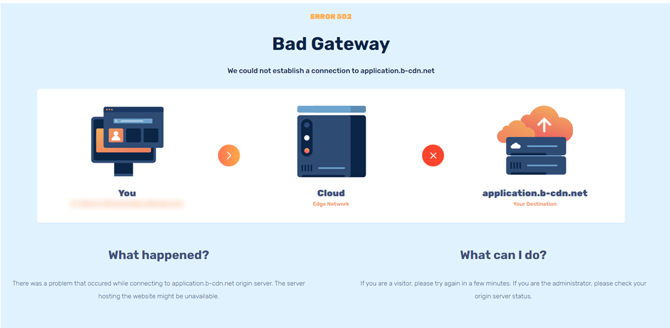
- Restart your computer (every reboot helps).
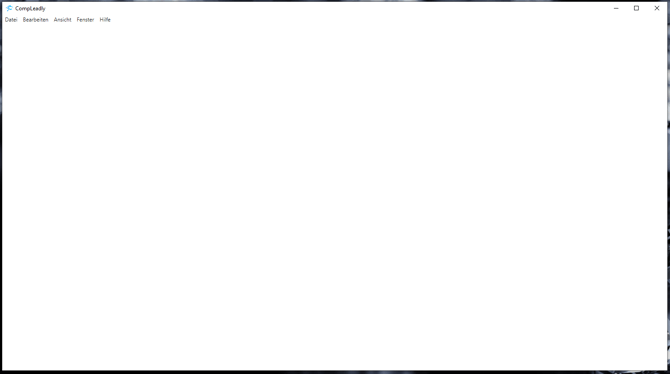
- If CompLeadly still does not start, but at least the CompLeadly window opens but remains empty, then press Ctrl+r (Windows) or Command+r (Mac) 10 times each 5 seconds apart. The CompLeadly window will then be reloaded.
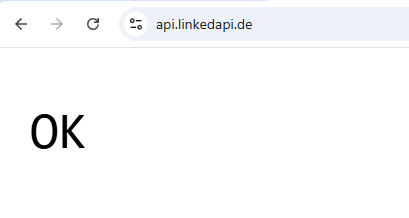
- On the computer where CompLeadly is installed but won't start, click the following link: https://api.linkedapi.de/
Then there has to be an OK
- If CompLeadly still won't start, conduct a speed test. Simply enter "Internet Speed" in Google.
- If sufficient speed is available,
- uninstall CompLeadly (your settings will be saved),
- go to
Download CompLeadly
and download CompLeadly again. - Reinstall it.
- If the reinstallation doesn't work, we'll try it with a new version. Please get back to us at support@compleadly.de.