Did you receive this message in CompLeadly?
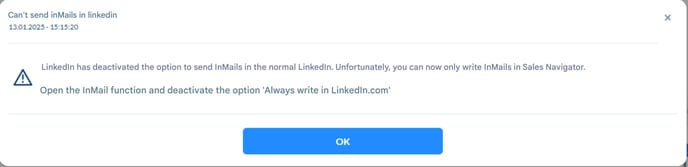
Then proceed as follows:
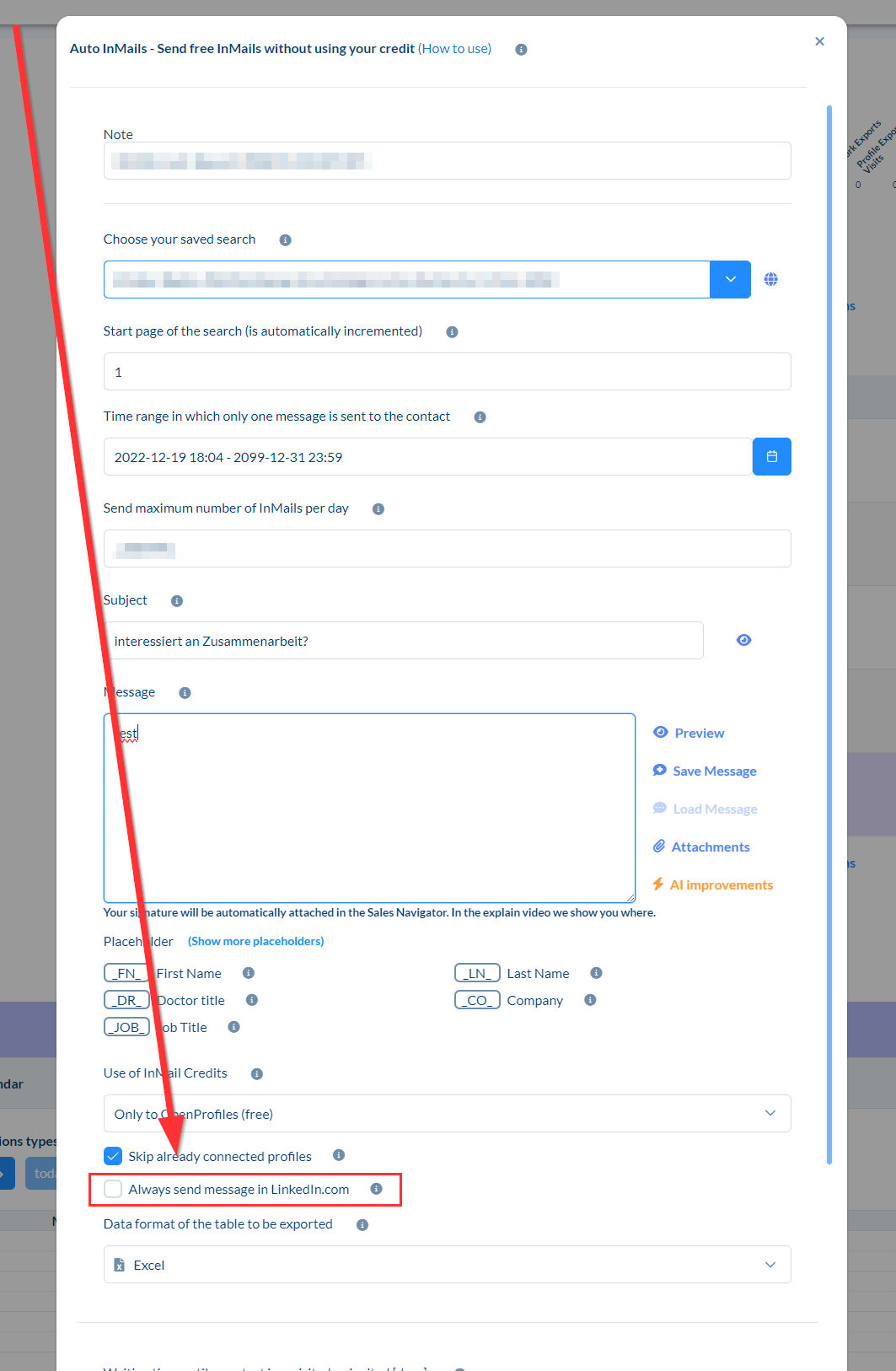
1. Open the InMail settings
2. Disable the option “Always write in LinkedIn.com”
Background on This Message / Setting
If you have Sales Navigator, LinkedIn no longer allows sending InMail messages directly on LinkedIn. Instead, you will always be redirected to Sales Navigator. For this reason, the option “Always write in LinkedIn.com” should be disabled.
However, since this issue does not affect every CompLeadly user on LinkedIn, the option is still available in CompLeadly—but it will no longer be accessible sooner or later.