What you can do if you no longer want to appear
If you want to avoid being found or contacted by certain people on LinkedIn, you can block these people on LinkedIn. Once you block someone:
- That person can no longer see your profile
- They can no longer contact you
- You will no longer appear in their search results
Step-by-step guide: Block people on LinkedIn
Here’s how to block a person on LinkedIn:
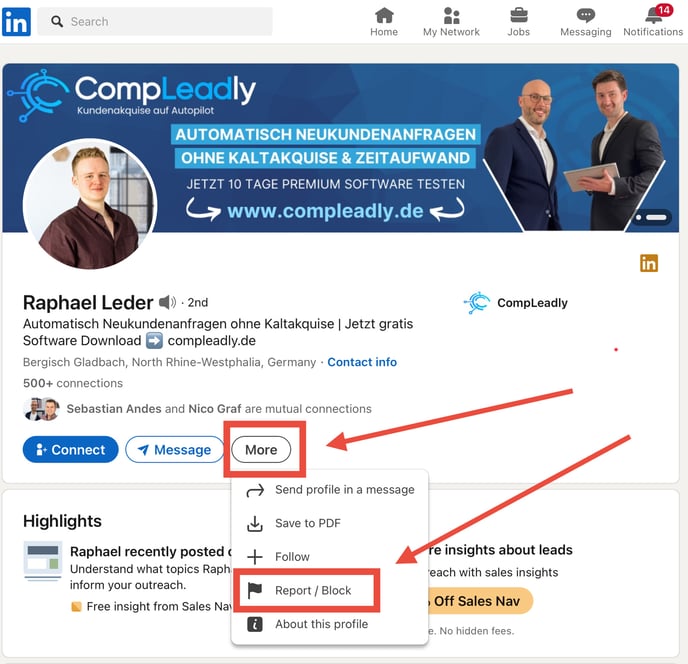
- Go to the person’s LinkedIn profile.
- Click on “More”
- Select the “Block” option.
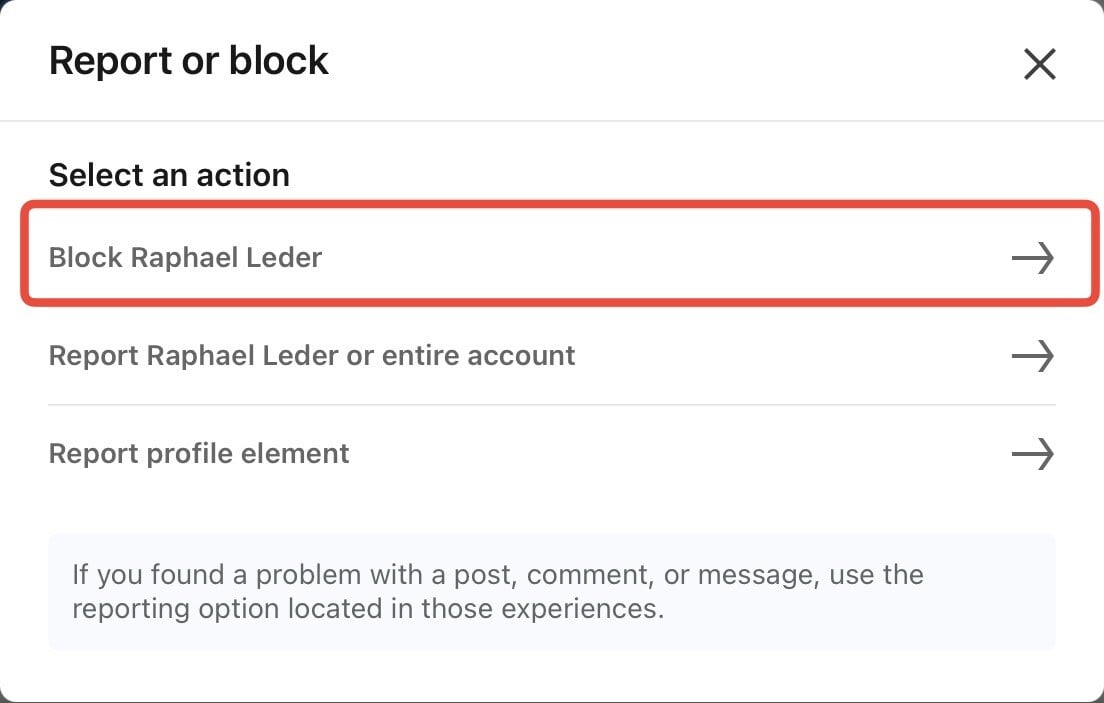
- Then click on “Block [person’s name]”.
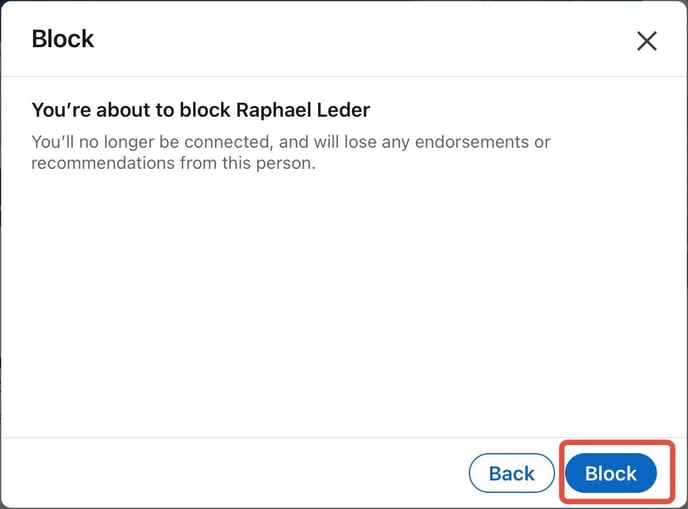
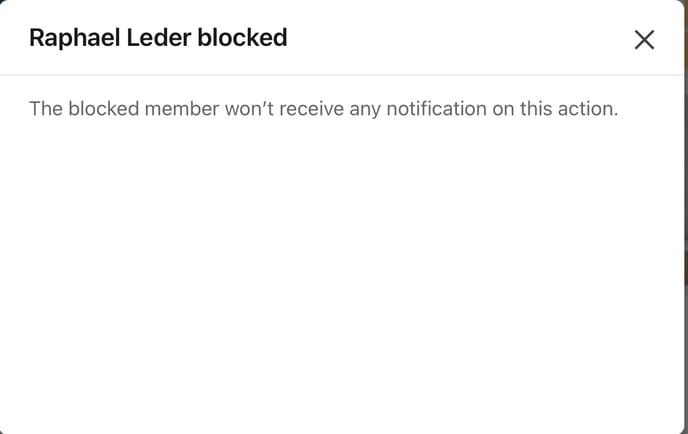
- Confirm your selection.