Skip to content
English
  • There are no suggestions because the search field is empty.

Activate two-factor authentication in the LinkedIn app as a push notification.

You now have to activate two-factor authentication in LinkedIn for Sales Navigator. You have two options: – SMS & Authenticator app

If you have the LinkedIn app, you can also use the push notification. This is then the primary method for carrying out the authentication.

In this guide, I explain how you can activate this push notification in the LinkedIn app.

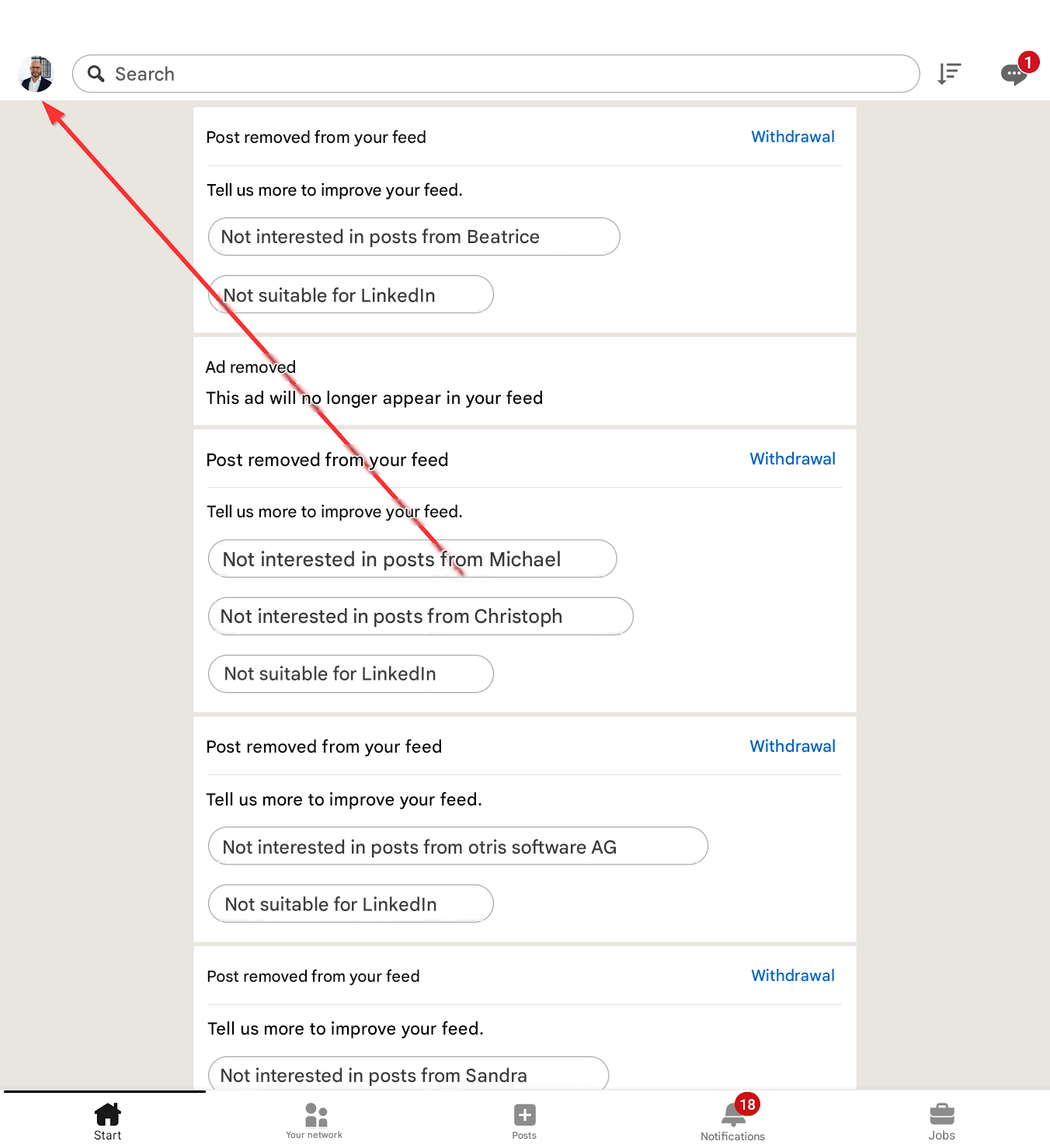
1. Click on your picture at the top of the LinkedIn app.
Start

Search

Post removed from your feed

Withdrawal

Tell us more to improve your feed.

Not interested in posts from Beatrice

Not suitable for LinkedIn

Ad removed

This ad will no longer appear in your feed

Post removed from your feed

Withdrawal

Tell us more to improve your feed.

Not interested in posts from Michael

Not interested in posts from Christoph

Not suitable for LinkedIn

Post removed from your feed

Withdrawal

Tell us more to improve your feed.

Not interested in posts from otris software AG

Not suitable for LinkedIn

Post removed from your feed

Withdrawal

Tell us more to improve your feed.

Not interested in posts from Sandra

Your network

+

Posts

18

Notifications

Jobs

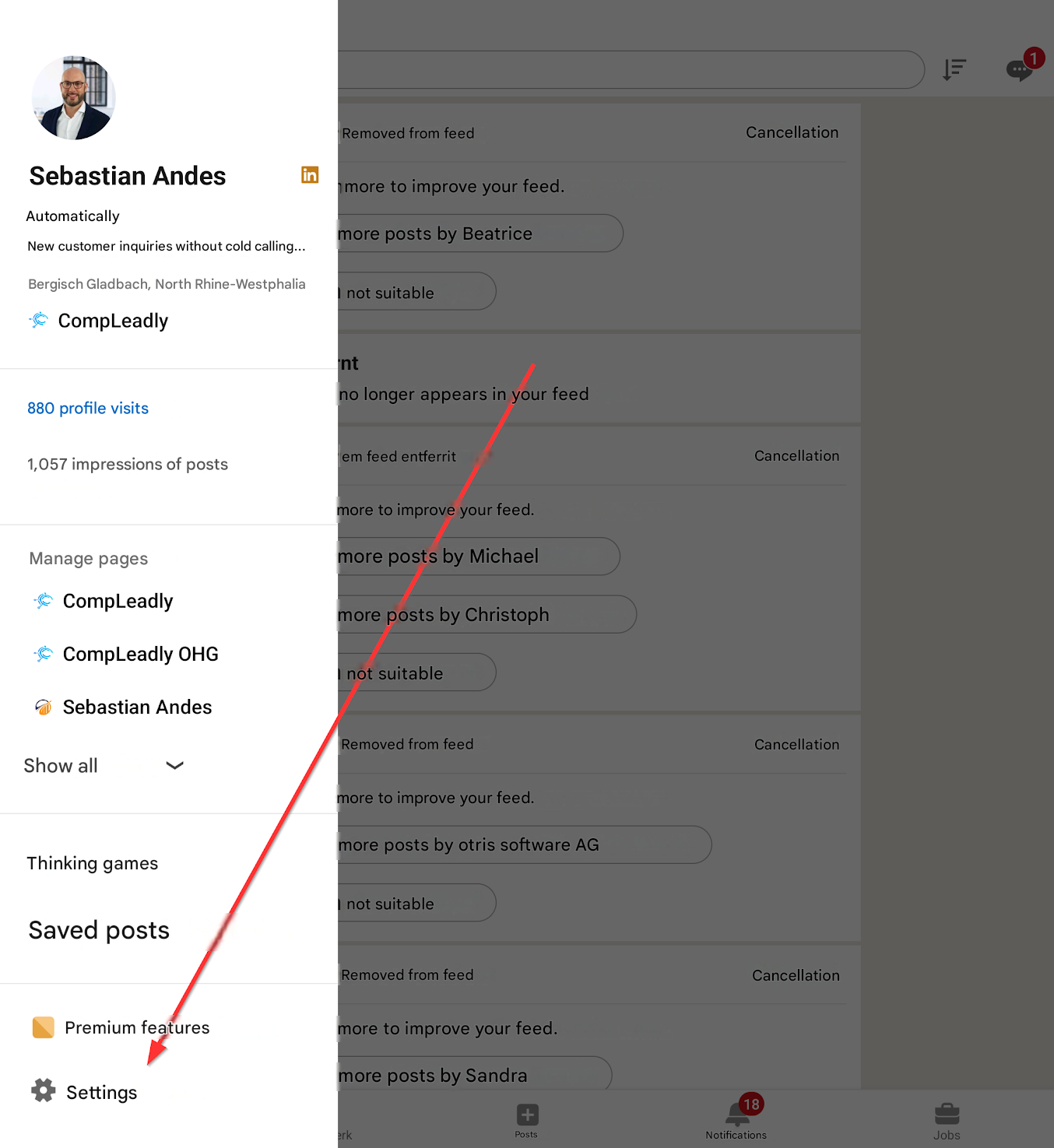
2. A menu opens and click on Settings there.
Removed from feed

Cancellation

Sebastian Andes

Automatically

more to improve your feed.

New customer inquiries without cold calling...

more posts by Beatrice

Bergisch Gladbach, North Rhine-Westphalia

not suitable

CompLeadly

int

880 profile visits

no longer appears in your feed

1,057 impressions of posts

em feed entferrit

Cancellation

more to improve your feed.

Manage pages

more posts by Michael

CompLeadly

more posts by Christoph

CompLeadly OHG

not suitable

Sebastian Andes

Removed from feed

Cancellation

Show all

more to improve your feed.

more posts by otris software AG

Thinking games

not suitable

Saved posts

Removed from feed

Cancellation

Premium features

more to improve your feed.

Settings

erk

+

more posts by Sandra

Posts

18

Notifications

Jobs

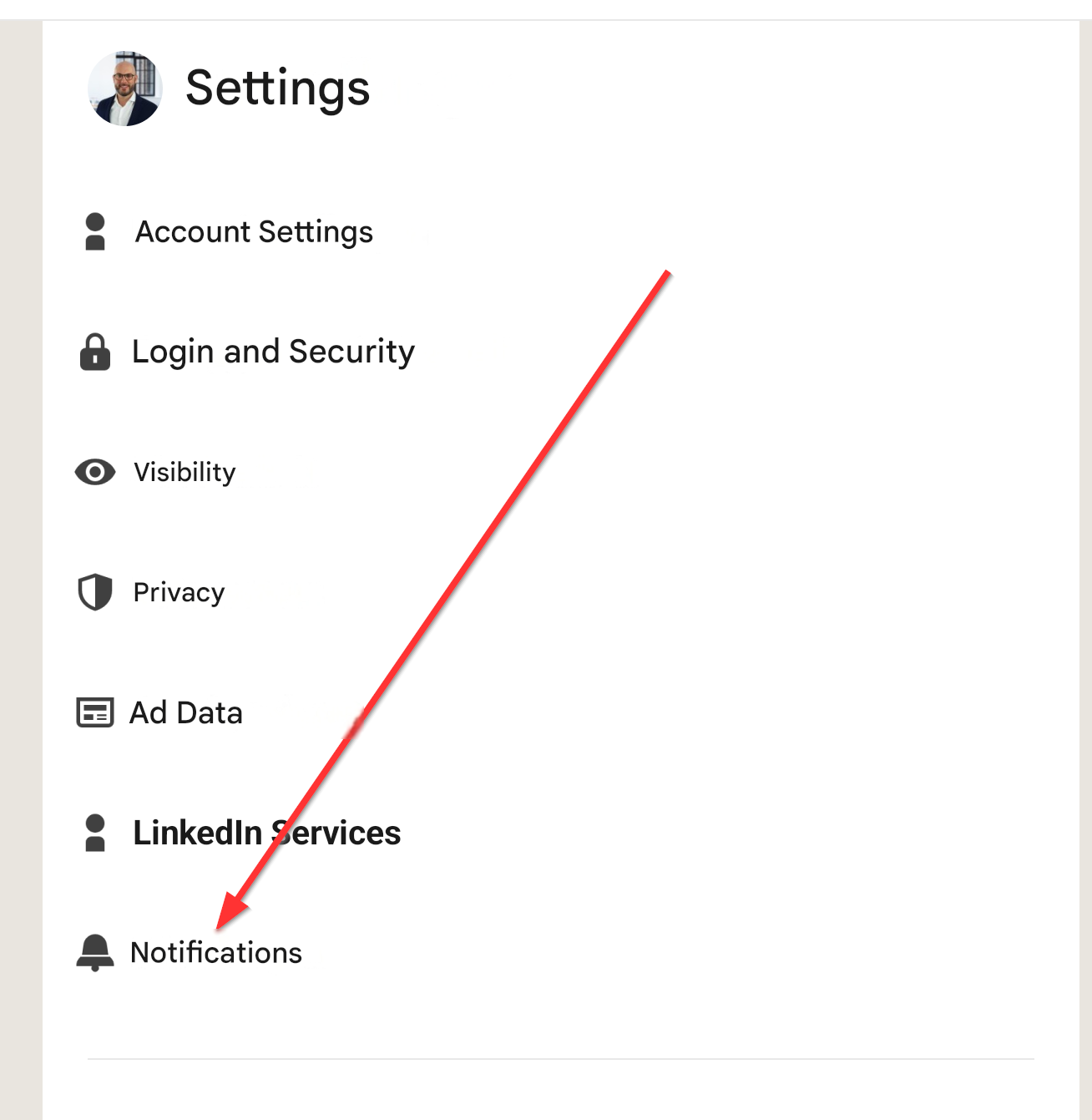
3. Then click on Notifications

Settings

Account Settings

Login and Security

Visibility

Privacy

Ad Data

LinkedIn Services

Notifications

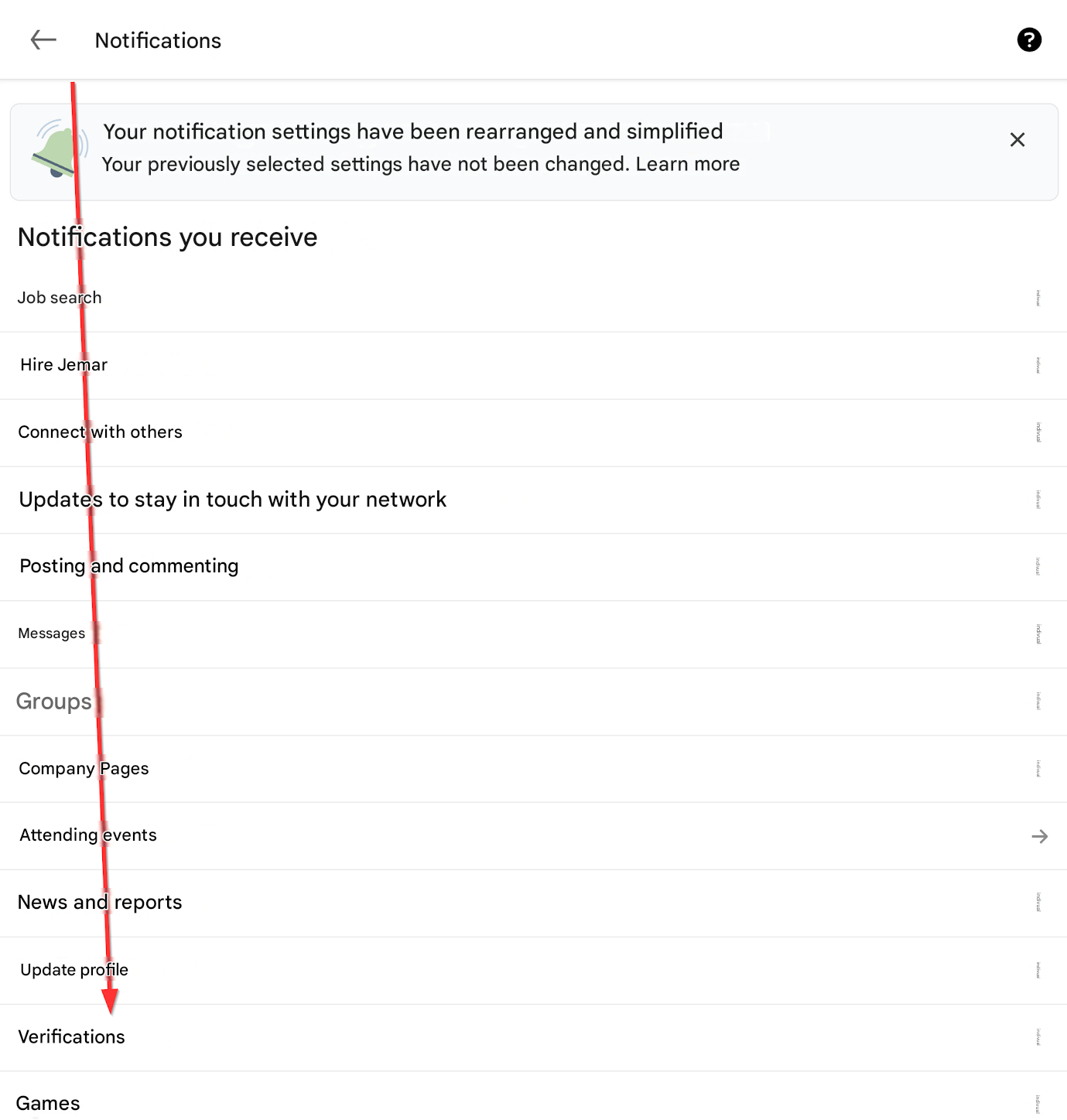
4. In this menu, you will find Verifications. Click on it.
Notifications

Your notification settings have been rearranged and simplified

Your previously selected settings have not been changed. Learn more

X

indivual

indivual

Notifications you receive

Job search

Hire Jemar

indivual

Connect with others

indivual

Updates to stay in touch with your network

indivual

Posting and commenting

Messages

indivual

Groups

indivual

Company Pages

indivual

Attending events

indivual

indivual

News and reports

Update profile

indivual

Verifications

Games

indivual

5. Activate this and select “Push notification”.
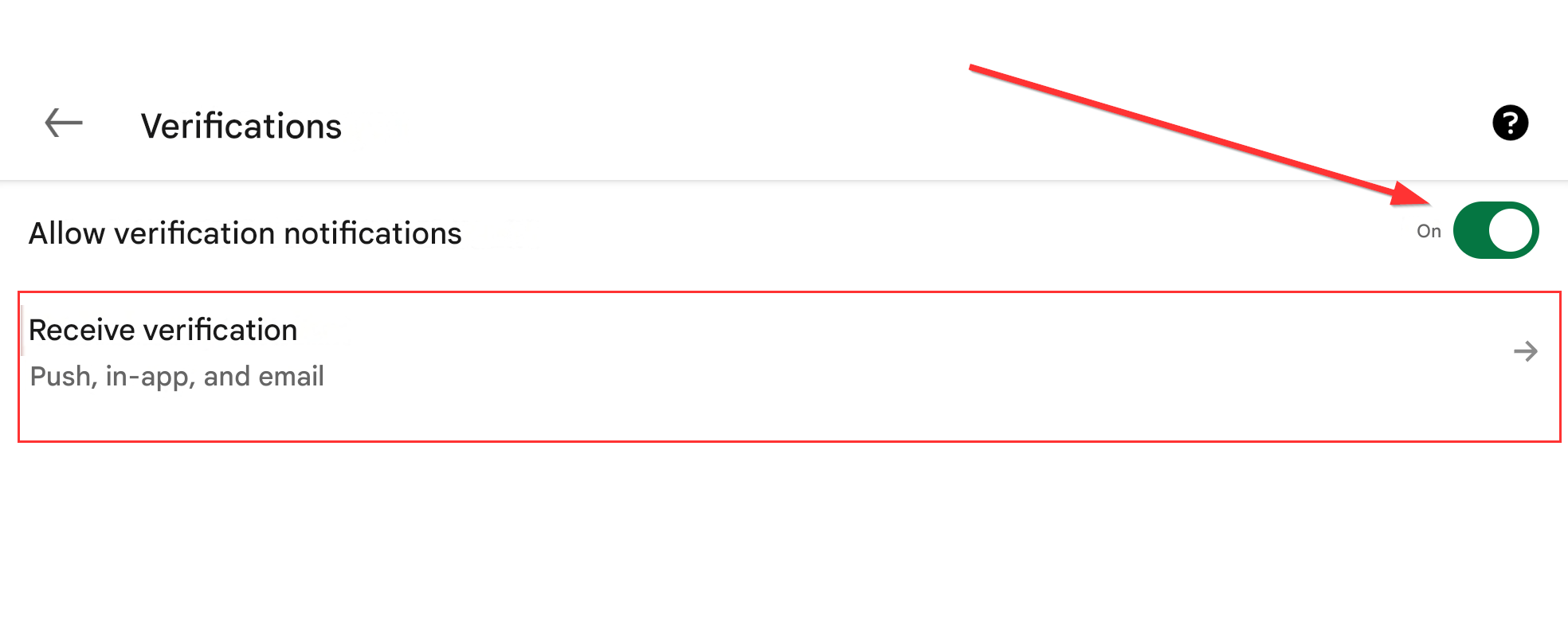
Verifications

Allow verification notifications

On

?

Receive verification

Push, in-app, and email